DentScan
Healthcare / Dental
3D Dental Scan Viewer
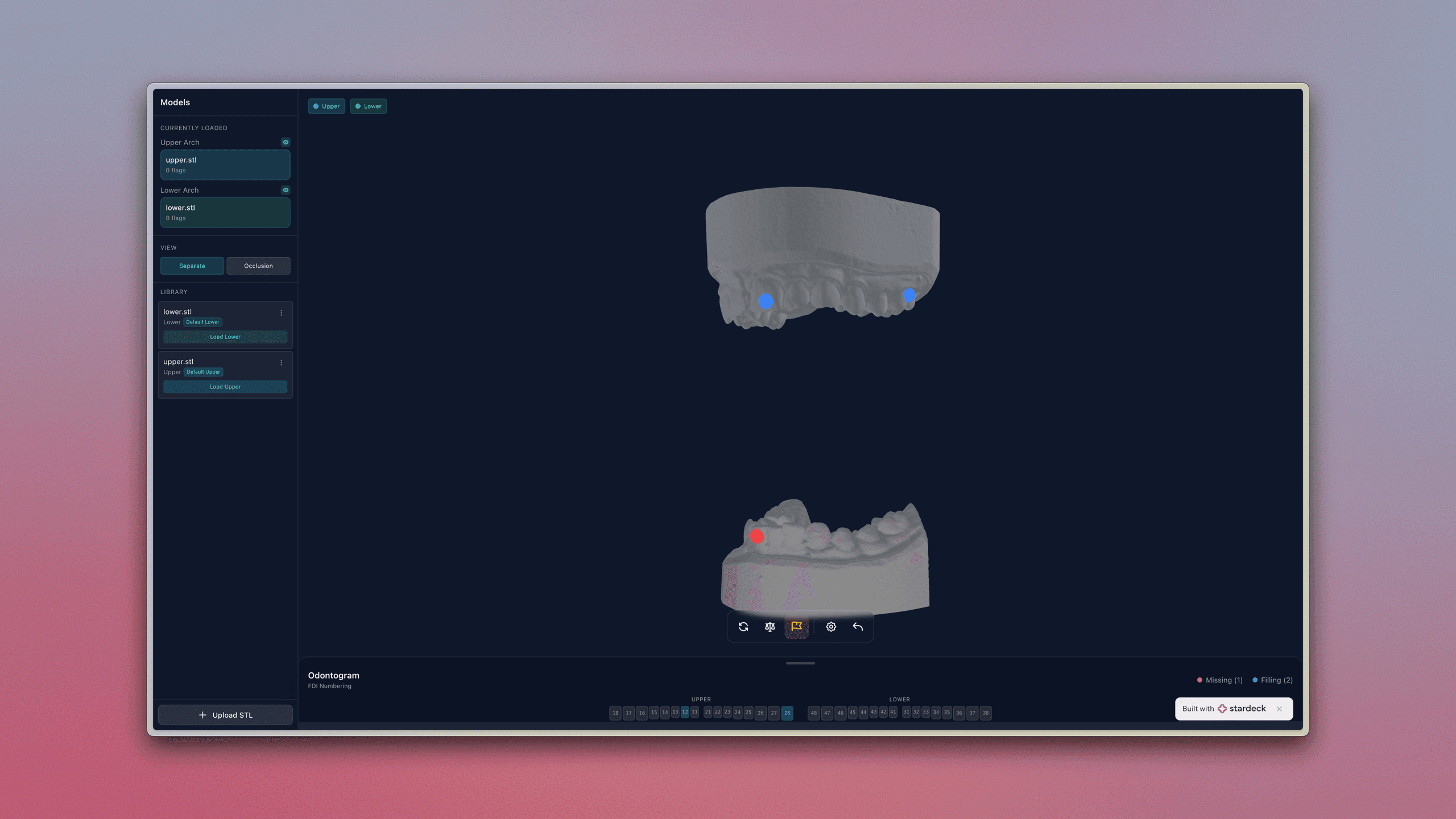
A browser-based 3D dental model viewer with clinical annotations and measurement tools — accessible from any device, built in minutes.
Build Your Own
What We Built
A Simple Request, A Big Challenge
A dental practice thought we only made websites and came to us with a straightforward question:
"Can you build us a way to easily view our 3D dental scans?"
They were tired of dealing with outdated and expensive desktop software that only worked on certain computers. They wanted something their whole team could access — from the front desk to the exam room.
The Problem with Existing Dental Software
Most dental practices face the same frustrations:
Expensive software licenses that add up across every workstation
Installation headaches — IT support just to view a scan
No remote access — can't review patient scans from home or on a tablet
Disconnected notes — clinical observations stored separately from the actual scans
Clunky interfaces designed for engineers, not dental professionals
The practice needed something built specifically for how dentists actually work.
How We Built It — The Prompts
It literally just started with a simple question we sent to Stardeck:
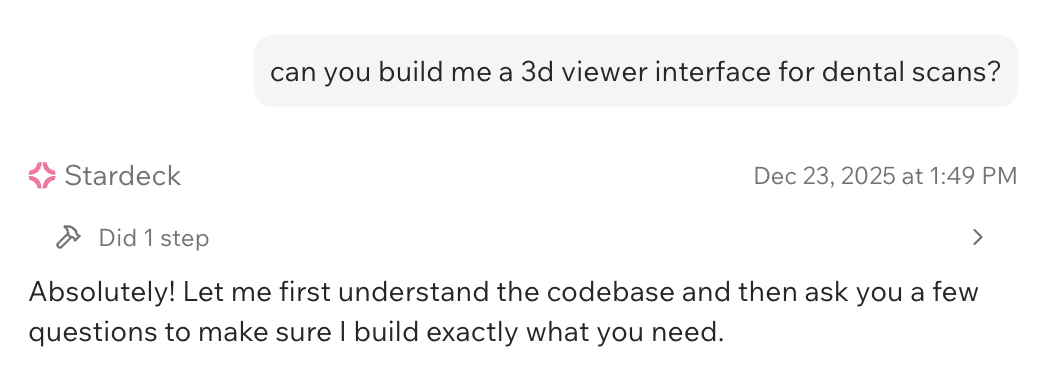
We kept it very simple and just answered the questions it asked us.
Here's every prompt we sent to build this dental 3D viewer:
1. "Build me a 3D viewer for dental STL scans"
2. "Add support for upper and lower arches"
3. "Let me upload STL files and save them"
4. "Add markers I can place on teeth with notes"
5. "Add a measurement tool"
6. "Add an odontogram that syncs with the 3D view"
7. "Save orientation and let me set default models"
Total prompts: 7
Time to build: 30 minutes
What We Built
We created a complete 3D dental model viewer that runs in any web browser.
View 3D Dental Scans Instantly
Upload STL files from any intraoral scanner. The viewer handles both upper and lower arches with smooth rotation, zoom, and pan — no plugins or downloads required.
Works on:
Desktop computers
Laptops
Tablets in the exam room
Even phones in a pinch
Add Clinical Notes to Individual Teeth
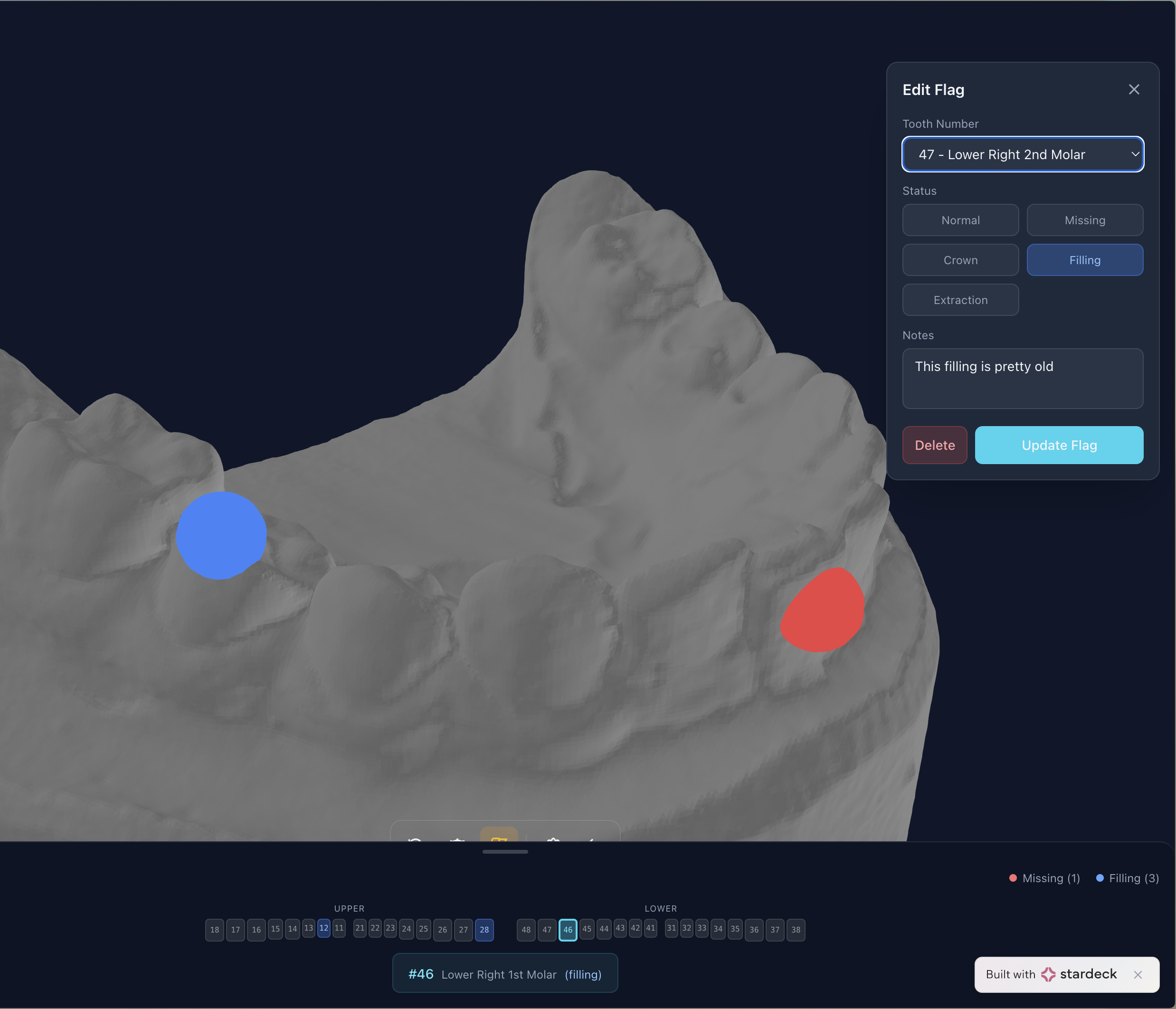
The built-in odontogram (dental chart) lets you flag any tooth with clinical observations:
Cavities
Crowns
Missing teeth
Implants
Root canals
Custom notes
Click a tooth on the chart, add your note, and it's saved with the scan. No more hunting through separate files to find your observations.
Measure Directly on the Model
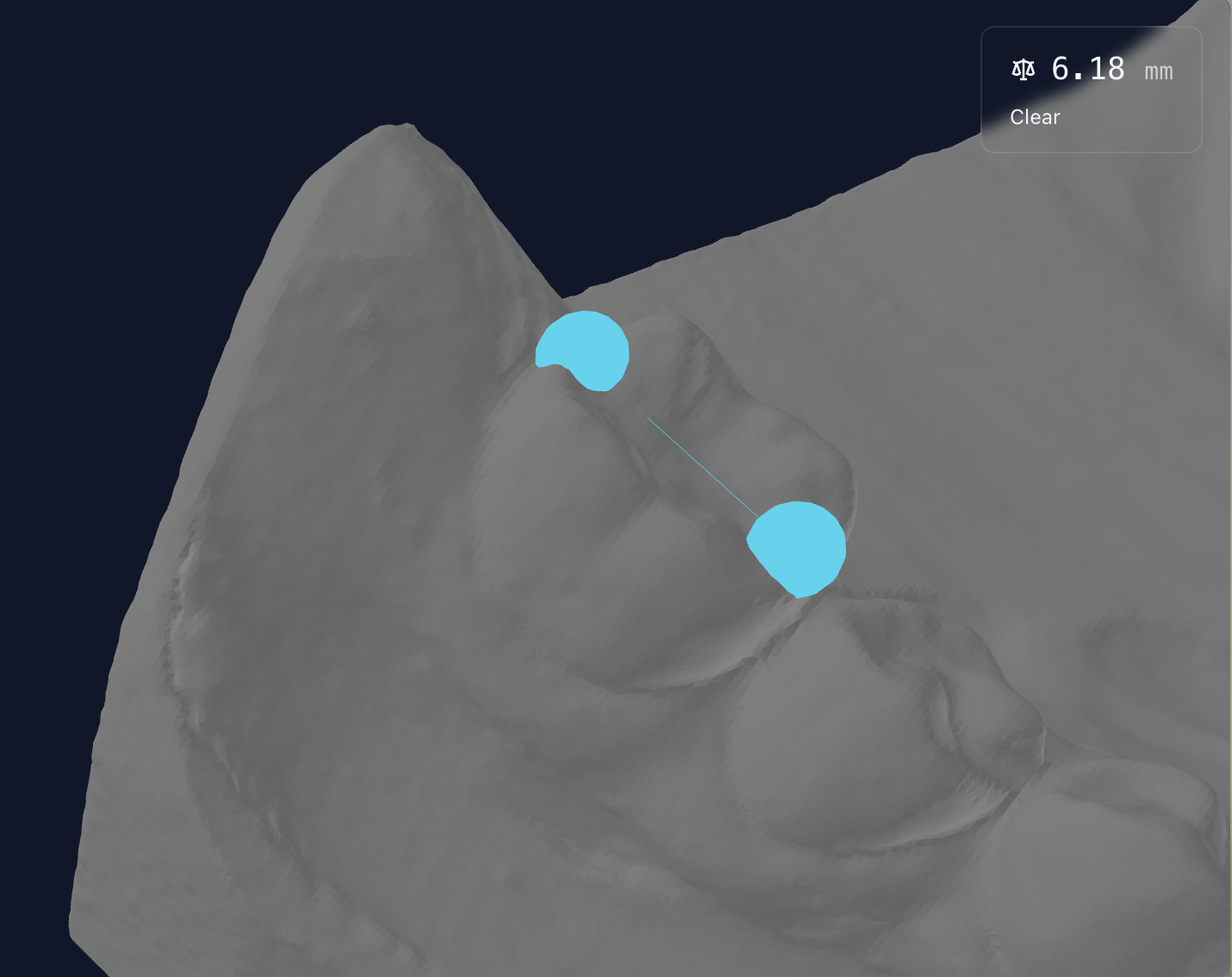
Need to measure a gap or check spacing? Built-in measurement tools let you:
Measure point-to-point distances
Check angles between surfaces
Save measurements with the patient record
Organize Your Model Library
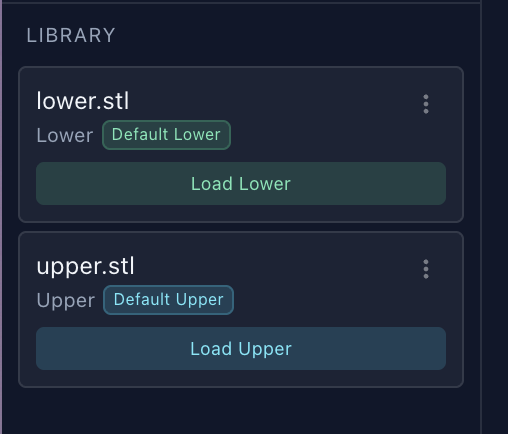
All your scans in one place:
Upload and store STL files securely
Organize by patient name or date
Find any scan instantly
Access from any device with your login
See It in Action
Watch a quick demo of the complete workflow.
Why This Matters for Your Practice
Access Scans Anywhere
Review patient cases from home, share with specialists, or pull up a scan on a tablet during a consultation. No more being tied to one computer.
Save Time, Skip the IT Headaches
No installations. No IT tickets. No waiting for software to load. Open a browser, click, and you're viewing the scan. Stardeck's dedicated support team manages your cloud deployment, so your software stays updated and secure — without hiring IT staff or dealing with servers.
Keep Everything Together
Clinical notes, measurements, and the 3D model all live in one place. When you open a patient's scan, you see the full picture.
Built for Dentists, Not Engineer
The interface is clean and focused on what you actually need. No cluttered toolbars or confusing options.
New Features Are a Chat Away
Need to add a new capability? Want to tweak how something works? You're not locked into a rigid product roadmap. Just tell us what you need, and we build it.
What Could This Mean for Your Practice?
Every dental practice has unique challenges. Maybe you need:
Treatment planning visualization for patient consultations
Before/after comparisons for orthodontic cases
Lab communication tools to share annotated scans directly
Multi-location access for practices with multiple offices
The same approach that built this 3D viewer can create custom tools for your specific workflow — without the typical months of development time and six-figure budgets.
Ready to build something similar?
Start with the prompt above or customize it to fit your needs.