General Auto
Automotive / Dealership
CRM for Used Car Dealerships
A dealership CRM with leads, inventory, sales pipeline, and a public showroom.
Build Your Own
What We Built
What If Your CRM Actually Fit How You Sell?
Most dealerships are stuck with software that wasn't built for them:
Too complicated — enterprise features you'll never use
Too rigid — can't adapt to how you actually work
Wrong language — English-only interfaces for non-English-speaking teams
Expensive — monthly fees for features gathering dust
We wanted to show what's possible when software is built around your workflow instead of forcing you into someone else's.
So we built a complete used car dealership CRM from scratch — through conversation.
Built Through Conversation
No requirements documents. No wireframes. No months of back-and-forth.
We started with a simple prompt:
"Build me a personal CRM for my used car dealership."
From there, it was a conversation. Clarifying questions, design options shown in real-time, features built one by one — all guided by feedback.
The First Version
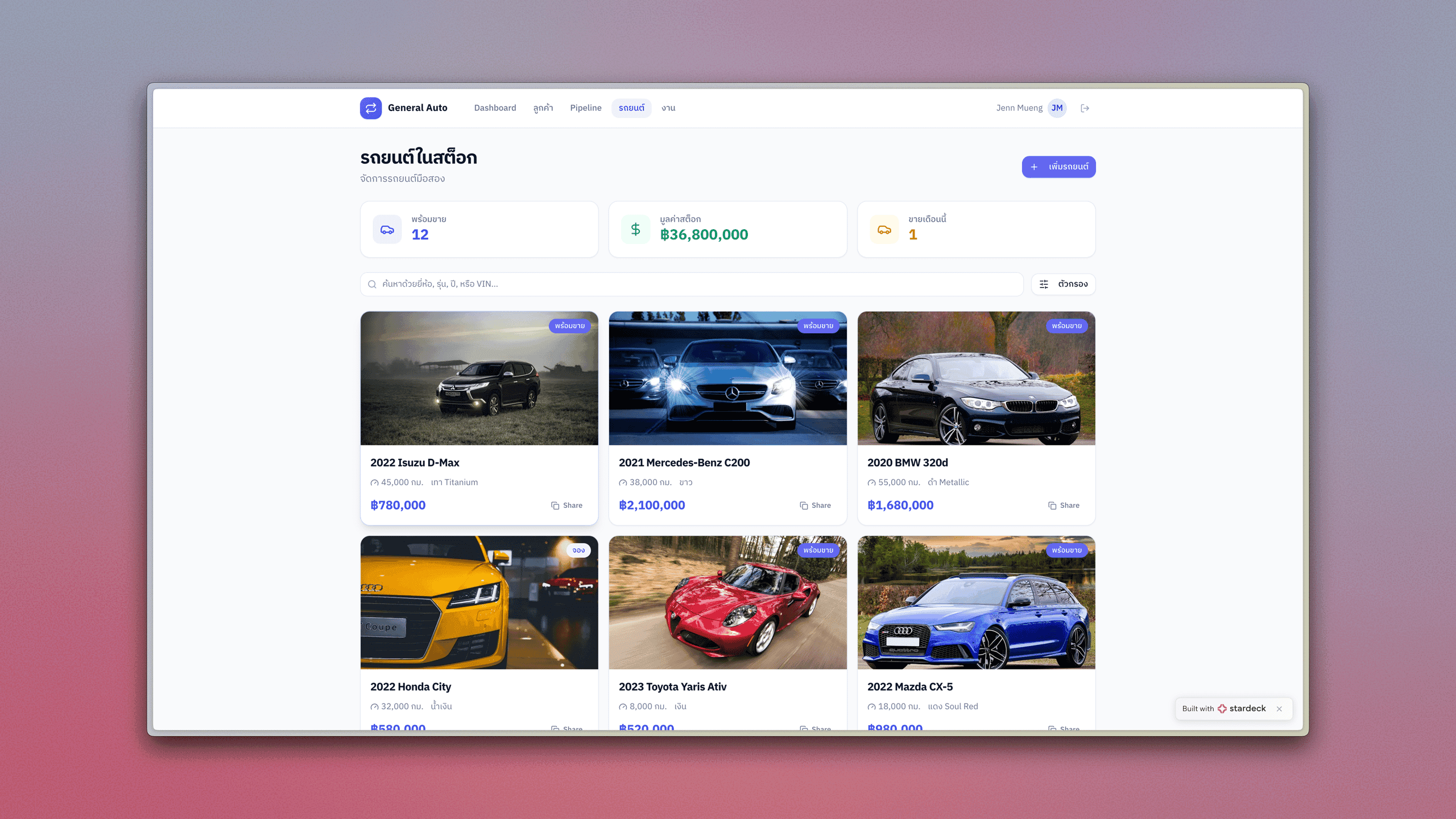
The initial build included everything a dealership needs to start selling:
Customer database with lead status tracking
Sales pipeline as a visual Kanban board
Vehicle inventory with localized pricing
Task reminders for follow-ups
Dashboard showing key metrics at a glance
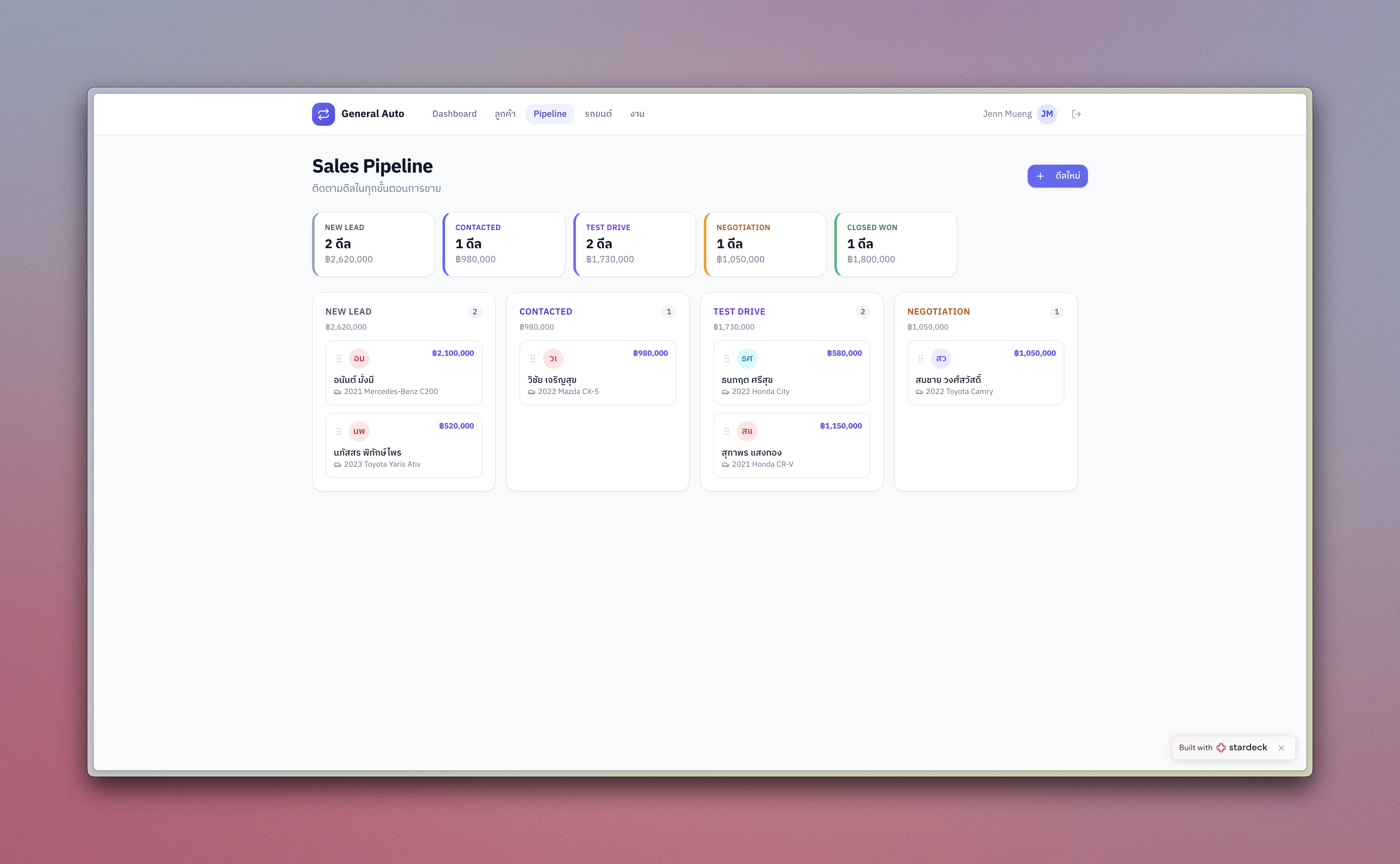
We built this version for a Thai market — Thai language, Baht pricing, distances in kilometers. But the same approach works for any language or currency.
Then We Kept Improving It
The real power shows up in iteration. As we used the system, we asked for changes — and got them immediately.
"Add photo uploads for vehicles"
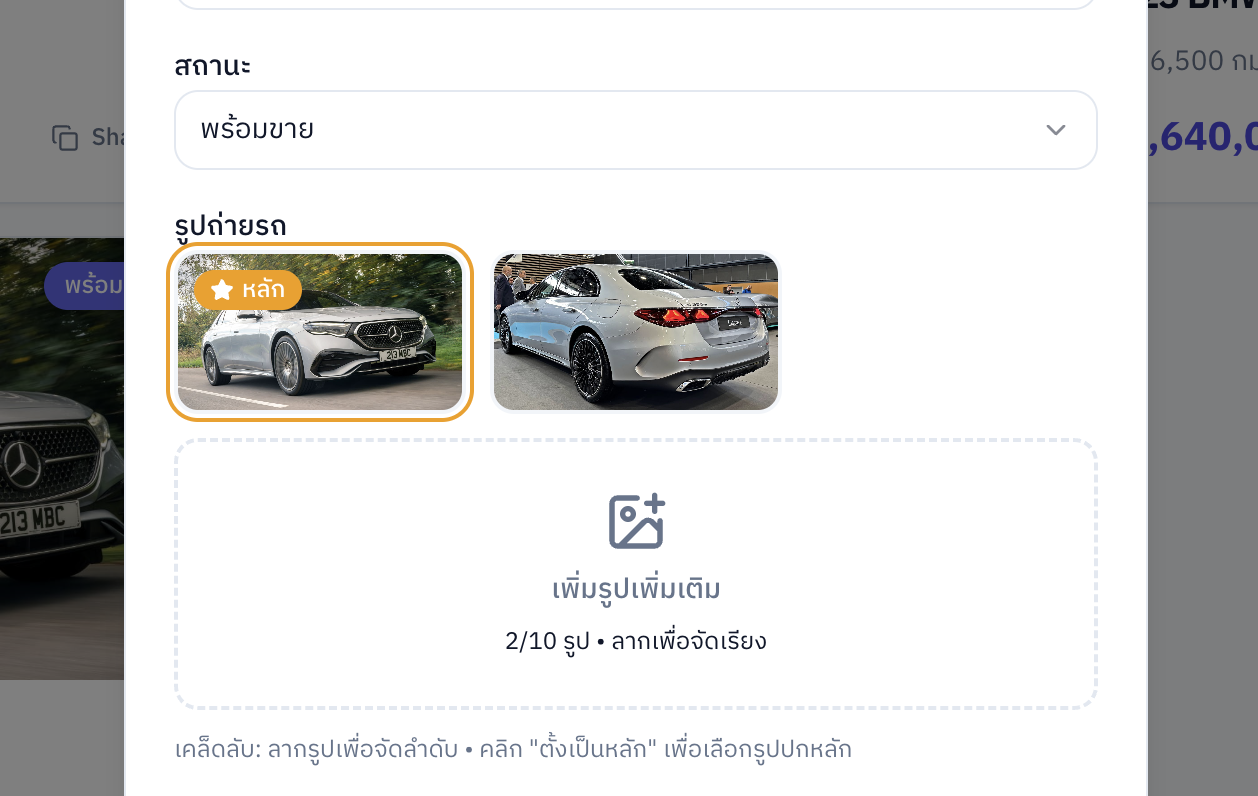
Started with single image upload. We wanted more. Now it's a full gallery with drag-and-drop reordering and primary image selection.
"Create a public showroom"
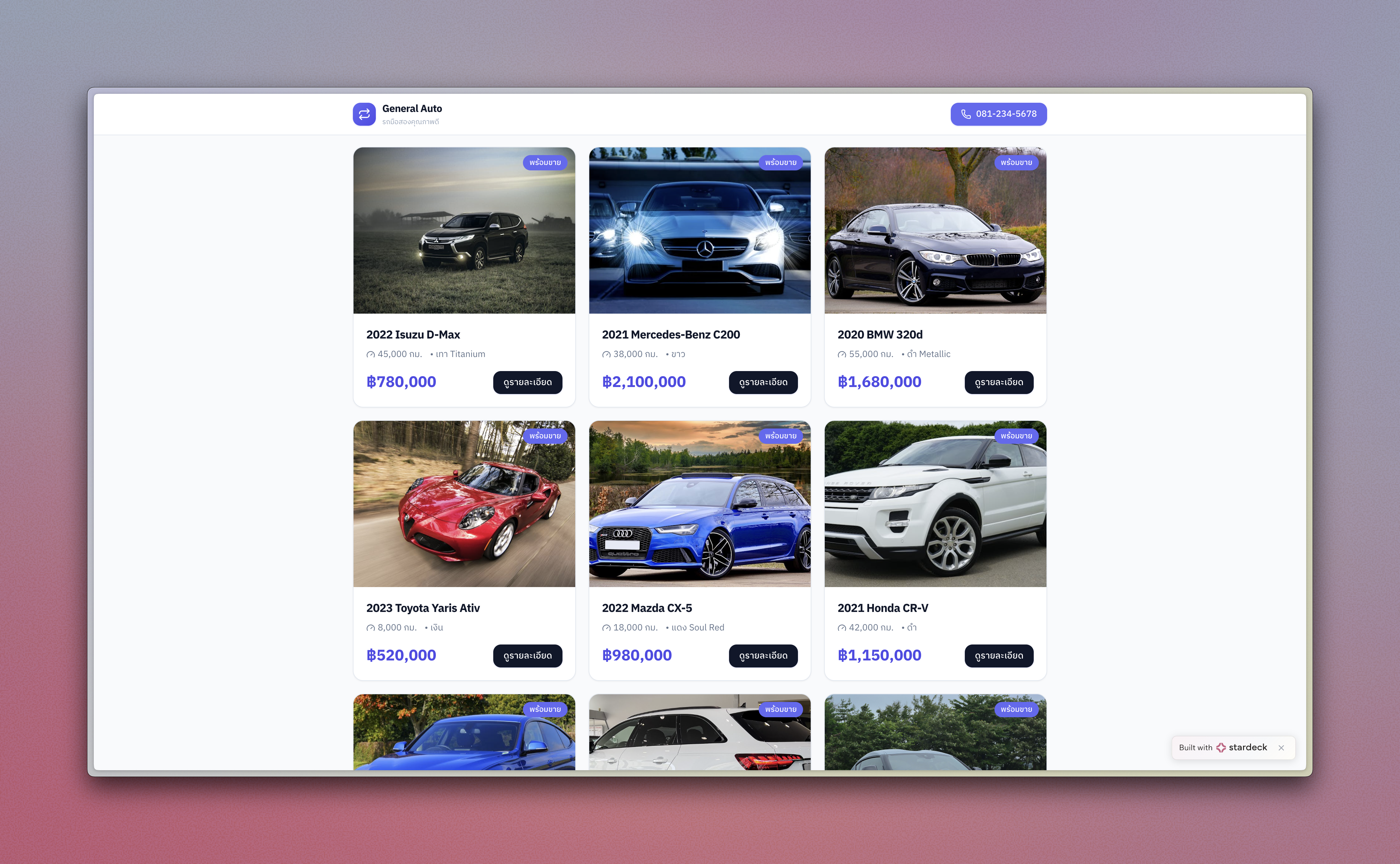
Customers should be able to browse inventory online. We added a public showroom page and individual vehicle detail pages — shareable links for each car.
"White text isn't readable"
Fixed in seconds. Contrast issue reported, corrected immediately.
"The form doesn't clear after I add a car"
Bug caught and fixed on the spot. No ticket system, no waiting for the next release.
See It in Action
Watch the complete workflow from lead to closed deal.
What This CRM Includes
A Complete Sales System
Lead tracking — Know where every potential buyer stands
Visual pipeline — Drag deals from "New Lead" to "Closed Won"
Follow-up reminders — Never forget to call back
Interaction history — Every call, visit, and note in one place
Full Vehicle Inventory Management
Photo galleries — Multiple images per vehicle
Localization — Any currency, any language, any units
Status tracking — Available, reserved, or sold
Auto-update — When a deal closes, the car is marked as sold automatically
A Public Showroom Website
Browse inventory — Customers see available cars online
Vehicle detail pages — Shareable links for each listing
Professional presentation — Clean, modern design that builds trust
Protected Admin Access
Secure login — Only authorized staff can access the CRM
No IT setup — Authentication just works, managed by Stardeck
What This Means for Dealerships
Software Built for You, Not Everyone
Off-the-shelf CRMs are built for the average dealership. This approach builds software for your dealership — your language, your currency, your workflow.
Changes Happen Immediately
See something you don't like? Say so. It gets fixed or changed right then. No feature requests disappearing into a backlog.
No IT Staff Required
Stardeck handles hosting, security, updates, and backups. You focus on selling cars, not managing software.
Grows With Your Business
Need LINE messaging integration? Sales reports with charts? A financing calculator? Just ask. New features are a conversation away.
What Could Be Added?
This system is built to expand. Future capabilities could include:
Messaging integration — Send follow-ups through LINE, WhatsApp, or SMS
Sales reports — Charts showing performance over time
Financing calculator — Help customers understand monthly payments
Automated reminders — Task notifications sent automatically
Data export — Get customer data out when you need it
Each one is just another conversation.
The Stardeck Approach
Traditional software development means months of planning, requirements documents, and hoping the final product matches what you imagined.
With Stardeck, you describe what you need, watch it take shape, and guide it until it's exactly right. If something's off, you say so and it's fixed immediately.
Ready to build something similar?
Start with the prompt above or customize it to fit your needs.